










Seamlessly integrate Govforms into the rest of your software ecosystem.
Use out-the-box connectors or custom secure API calls.
A proven, phased delivery model that matches how teams actually ship services. Design in Alpha, connect in Beta, and operate in Live with governance, analytics, and support throughout.
Prototype quickly with UK Design System components.
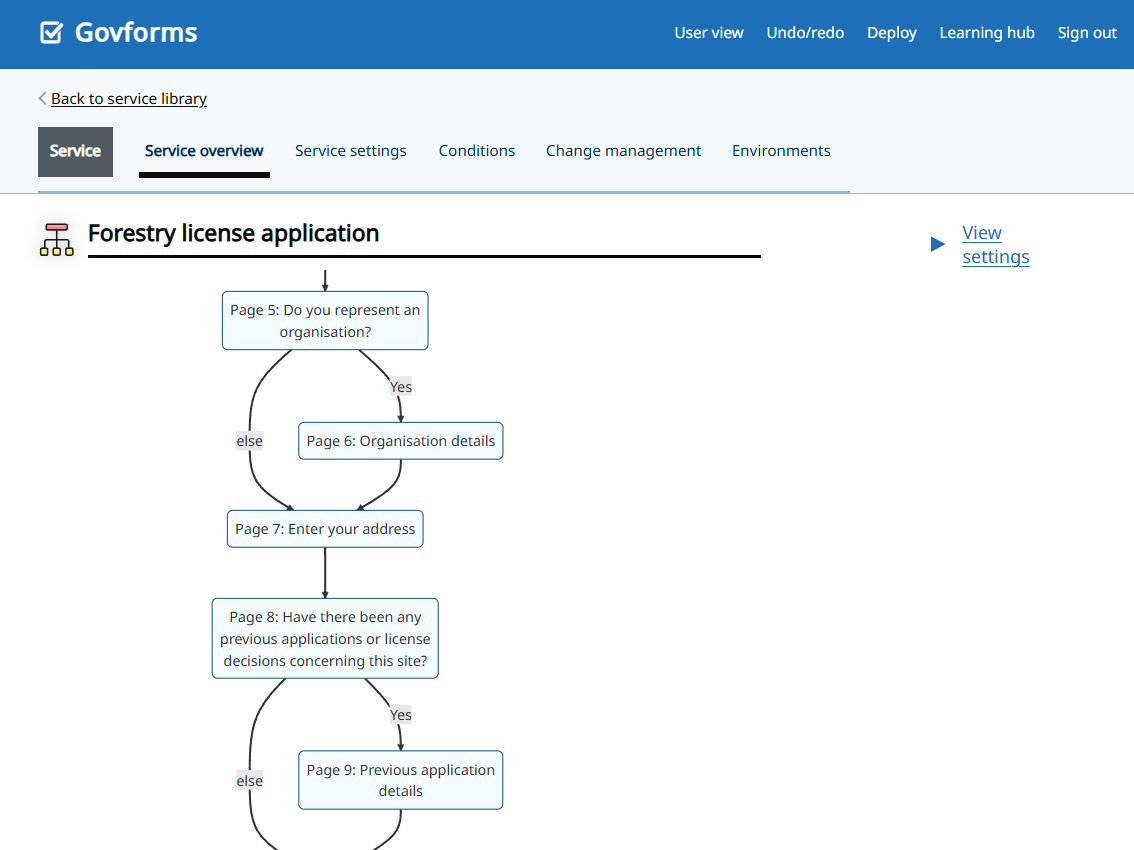
Build user journeys, add logic, and set validation rules.
Share previews with stakeholders and iterate based on feedback.
Test with real users before moving forward.
Hook up data sources with APIs, CSV/JSON feeds, or SharePoint.
Add address lookup, file uploads, notifications, and payments.
Set up identity and access controls (OAuth 2.0 / SSO).
Promote safely between QA and Production with version control.

Deploy with one click and monitor in real time.
Track drop-offs, completions, and device mix.
Make continuous improvements with content and logic updates.
Stay compliant with ISO 27001 and UK-hosted infrastructure.

Your journey doesn’t end at launch. Our dedicated support team helps you maintain, scale, and evolve your services as your needs grow.
Govforms is a no-code digital service builder that helps teams create, deploy, and manage GDS-compliant online forms and workflows without needing developers.
Govforms is designed for public sector, education, and enterprise teams who need to deliver digital services quickly, securely, and accessibly.
No. Govforms includes drag-and-drop tools, templates, and a visual logic editor so you can build services without any coding experience.
Most services go live in days or weeks. You can build, test, and deploy through QA and Production environments with just a few clicks.
Yes. Govforms supports custom domain configurations, allowing services to run under your departmental or organizational domain while maintaining full SSL security.
Yes. The platform includes secure, configurable file upload components for documents, media, or images, with virus scanning, validation, and size restrictions to meet compliance needs.
Yes. You can embed video explainers, guidance clips, or media content within your forms or service journeys to improve user understanding and engagement.
A built-in real-time dashboard provides insight into submissions, completion rates, device usage, and user drop-offs, helping teams refine and optimize services.
All data is UK-hosted on ISO 27001-certified infrastructure. Every form submission is encrypted in transit and at rest, with detailed audit trails and access logs.
Yes. Govforms supports direct integrations with Microsoft SharePoint, Dataverse, APIs, and authentication systems (SSO/OAuth) to streamline data flow between services.
Absolutely. Govforms is designed for compliance with government and regulatory data handling requirements, making it suitable for Whitehall departments, research councils, and public sector agencies.
Yes. The platform aligns with UK Government Digital Service (GDS) and GDPR data handling standards.
Govforms uses TLS 1.2+ encryption, access control, environment isolation, and regular penetration testing.
From grant applications and consultation forms to license requests, registrations, and reporting tools. Govforms powers a wide range of digital services for government and public sector teams.
Yes. Many teams use Govforms for internal workflows, approvals, and reporting systems, not just public-facing forms.
Private sector clients use Govforms for secure data collection, compliance processes, and public engagement. It’s ideal for organizations needing GDS-level accessibility and structure.
Govforms supports seven authentication methods to match your service requirements.
• Anonymous access for public-facing forms with no sign-in.
• GOV.UK Notify magic link for passwordless email-based sign-in.
• OIDC/OAuth 2.0 for connecting to your existing identity provider such as Azure AD or any compliant provider.
• AWS Cognito with hosted user pools and MFA.
• Configurable session timeouts with user warnings.
• Save-and-return in single-draft, multi-journey, or one-and-done modes.
• Group-based sharing so users in the same group can view each other’s submissions.
Each method can be configured per service, and you can combine authentication with role-based read-only access for staff review scenarios.
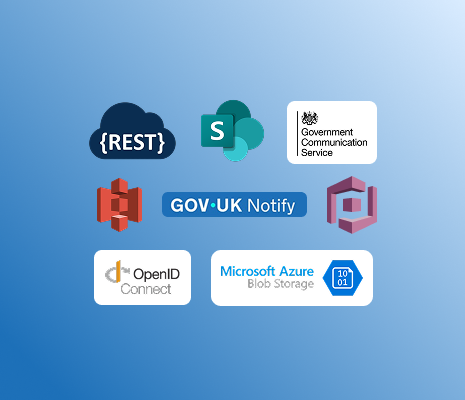
Yes. Alongside deep Microsoft integration, Govforms includes a full REST API client connecting to any system with an HTTP endpoint, with custom headers, authentication including client certificates, and mock responses for testing.
GOV.UK Notify, AWS S3, Google Cloud Storage, and Azure Blob Storage are all supported natively. All integrations are configurable per environment.
The REST API action provides a full HTTP client. You can configure the HTTP method, URL, headers, and authentication including OAuth tokens, API keys, and mutual TLS with client certificates.
Request bodies use Liquid templates for full payload control and conditional logic. Response fields map back into the service. Mock responses available for testing, conditional action firing, and email alerts on production failures.
Every service has three environments:
1. Prototype (instant updates, shareable preview links)
2. QA (full integration testing and UAT against test systems)
3. Production (live, with custom departmental domains and full SSL).
Promote between environments in a few clicks. Every promotion is tracked, and you can revert to any previous version at any stage.